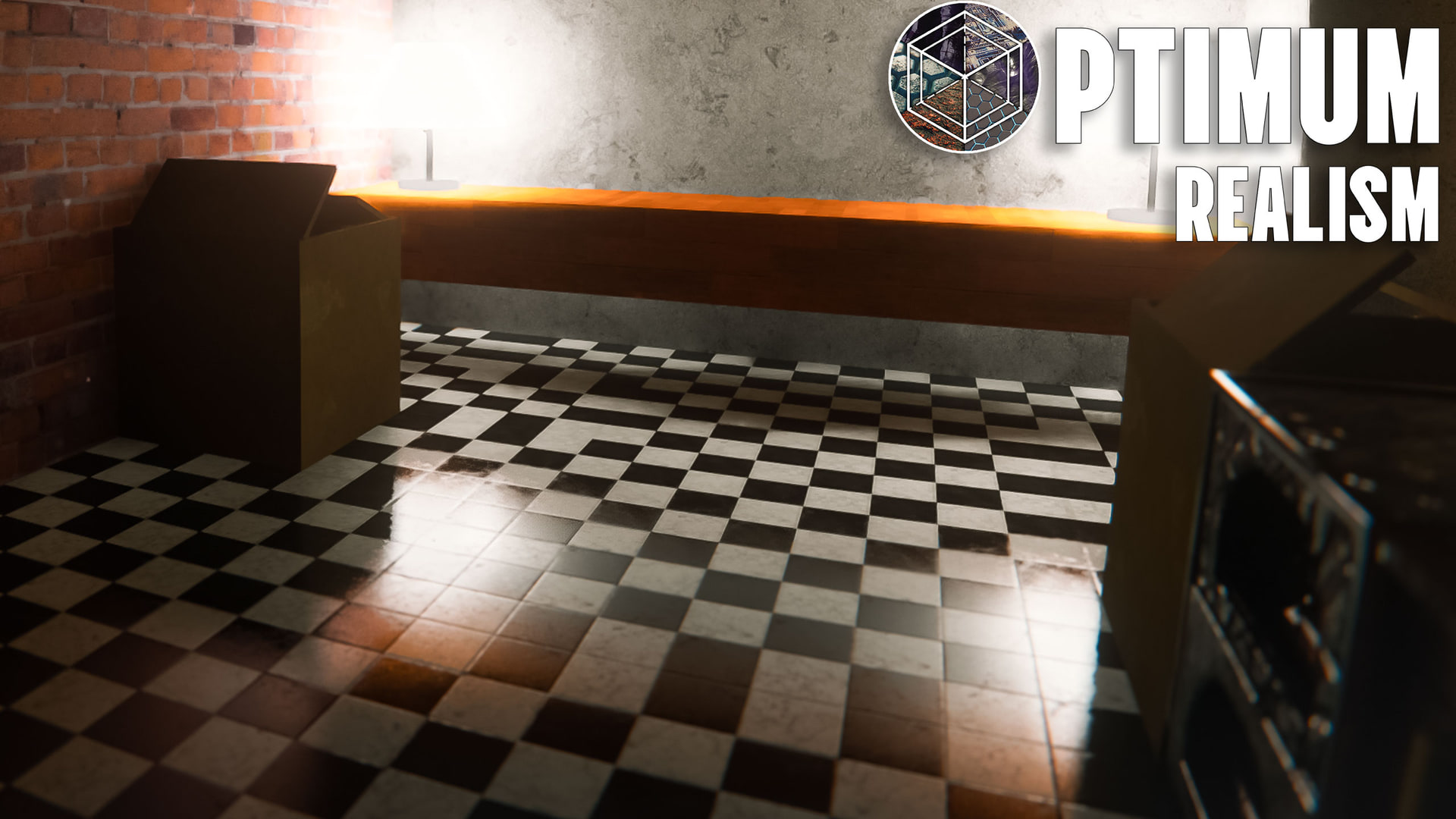
Best Minecraft shaders for Optimum Realism
Picked and ordered by tier. Pair the right shader with the right pack resolution and the pack looks the way it's meant to.
I built Optimum Realism around the LabPBR 1.3 spec, so the shaders that pair best with it are the ones that respect that spec. Below is the list I actually run — grouped by how heavy they are on your GPU and what pack resolution each one realistically pairs with.
Most performance hits on this pack come from texture resolution, not the shader. A "heavy" shader on a 64x pack often runs better than a "light" shader on 512x. Use the tier groups below to find the combination that works for your machine.
- LabPBR 1.3 specular — without it, metals and wet surfaces look like plastic.
- POM with depth-write — bricks and cracks need real 3D depth, not painted-on shadow.
- Directional normals — lighting should bend with the surface, not slide off it.
- Emissive textures — glowstone, lava, redstone need to actually emit light.
Light shaders
Up to 512x texture pack — the shader is light enough that pack resolution becomes the only real constraint.
Sundial Lite
Stripped-down Sundial for low-end PCs
Get Sundial LiteComplementary Reimagined
Daily driver
Get Complementary ReimaginedMakeUp Ultra Fast
Lowest-end laptops
Get MakeUp Ultra FastMedium shaders
128x – 256x sweet spot — balanced shader weight, balanced pack resolution.
BSL Shaders
Clean stylised look
Get BSL ShadersComplementaryShaders r5
Drop-in for older Minecraft
Get ComplementaryShaders r5Heavy shaders
The premium picks — top quality, no compromises. Pair with a 64x – 128x pack on a recent GPU and you get the look that goes in the marketing screenshots.
Kappa Shaders
Creator pickIris-only — top-tier quality, free
Get Kappa ShadersSundial
Creator pickThe released, full Sundial — heavy but premium quality
Get SundialComplementary Unbound
Cinematic / screenshots
Get Complementary UnboundPhoton
Modern path-traced alt
Get PhotonBliss
Atmospheric / colour-graded
Get BlissPath-traced
64x · maximum realism — full ray-traced lighting. Demands a recent RTX-class GPU.
SEUS PTGI HRR 2.1
Creator pickThe long-time path-traced choice — pairs cleanly with the pack
Get SEUS PTGI HRR 2.1KappaPT
Kappa's path-traced sibling — actively maintained, currently the strongest path-traced pick
Get KappaPTAll 10 shaders at a glance click to expand
| # | Shader | Tier | Iris | OptiFine | Status |
|---|---|---|---|---|---|
| 1 | Kappa Shaders ★ | Heavy | ✓ | ✗ | active |
| 2 | SEUS PTGI HRR 2.1 ★ | Path-traced | ✓ | ✓ | active |
| 3 | KappaPT | Path-traced | ✓ | ✗ | active |
| 4 | Sundial ★ | Heavy | ✓ | partial | active |
| 5 | Sundial Lite | Light | ✓ | partial | active |
| 6 | BSL Shaders | Medium | ✓ | ✓ | active |
| 7 | Complementary Reimagined | Light | ✓ | ✓ | active |
| 8 | Complementary Unbound | Heavy | ✓ | ✓ | active |
| 9 | Photon | Heavy | ✓ | ✗ | active |
| 10 | Bliss | Heavy | ✓ | ✓ | active |
| 11 | MakeUp Ultra Fast | Light | ✓ | ✓ | active |
| 12 | ComplementaryShaders r5 | Medium | ✓ | ✓ | legacy |
- Sildur's Vibrant No LabPBR awareness — Optimum Realism textures look flat and washed out.
- Chocapic13 Toaster Performance-focused but no PBR support — the pack loses depth and reflections.
- SEUS PTGI HRR 3 Oversaturated and overcontrast — its colour grading clashes with the pack’s PBR materials. Use SEUS PTGI HRR 2.1 instead.
Settings to enable in any shader
Most "textures look flat" reports trace back to one of these four settings being off. Open your shader's settings UI in Video Settings → Shaders → Shader Pack Settings and confirm:
- POM (Parallax Occlusion Mapping) — gives blocks real 3D depth.
- LabPBR mode — set to LabPBR, not OldPBR or Integrated PBR.
- Emissive textures — makes glowstone, lava, and redstone actually glow.
- Specular / reflections — wet surfaces and metals need this to look right.
How to install a shader with Optimum Realism
- Download the shader's
.zipfrom the link in its card above. - Drop it into
.minecraft/shaderpacks/(do NOT unzip). - Drop the Optimum Realism pack into
.minecraft/resourcepacks/and select it in Options → Resource Packs. - Open Video Settings → Shaders, pick the shader, click Apply.
- Open the shader's Shader Pack Settings and enable POM + LabPBR + Emissives + Specular (see checklist above).
Need the full setup from scratch (Iris, Fabric, mods)? See the installation guide.
Frequently asked questions
Which shader works best with Optimum Realism?
It depends on your hardware. For daily play I'd start with Kappa or Complementary Reimagined — both pair well with the pack across most resolutions. For cinematic screenshots, Sundial or Complementary Unbound. For maximum realism on a recent RTX, KappaPT or SEUS PTGI HRR 2.1. Skip HRR 3 — its colour grading is too saturated and contrasty for this pack.
Should I use Iris or OptiFine?
Iris with Sodium is recommended for most setups in 2026 — better performance and active development. OptiFine still works well for older Minecraft versions and pairs fine with most shaders on this list, but Kappa and Photon are Iris-only.
What is LabPBR and why does it matter for this pack?
LabPBR is a standard that tells shaders how to read the metallic, roughness, and emissive data baked into a texture pack. Optimum Realism is built on the LabPBR 1.3 spec, so any shader that respects LabPBR can read those material properties and render them correctly. Shaders that ignore LabPBR (like Sildur's Vibrant) make the pack look flat — you lose the metallic shine, the depth, the wet-surface reflections.
Can my integrated graphics run any of these shaders?
Realistically, no — most modern shaders need a discrete GPU. The lightest option here is MakeUp Ultra Fast, which runs on a GTX 1050 with the 64x pack, but integrated graphics will struggle even with that. If you're on integrated graphics, you can still use Optimum Realism without any shader — you'll see roughly a third of the pack's detail (no PBR shine, no POM depth, no reflections) but the textures themselves render fine.
What's the lightest shader on this list?
MakeUp Ultra Fast is the absolute lightest — designed specifically for low-end PCs. After that, Sundial Lite and Complementary Reimagined are both light enough to pair with high-res versions of the pack on a mid-range GPU.
Can I use Optimum Realism without any shader?
Yes. The base textures render fine without a shader — you'll just be missing the PBR effects (specular highlights, parallax depth, emissives). About a third of what the pack does requires a shader; the other two thirds work in vanilla Minecraft.


